What Details Should a Business Add to Its Online Listing?
Learn how to find and choose business online listing details with practical checks for reviews, pricing, quality, location, trust, and service before making a decision.
 Shrikant
Updated
Shrikant
Updated
Key Takeaways
- Compare multiple local options before choosing.
- Check reviews, ratings, pricing, photos, and business details.
- Avoid choosing only by the lowest price.
- Ask clear questions before booking or paying.
- Use DekhoBiz to discover local businesses and services.
Last Updated: June 2026
Quick Answer
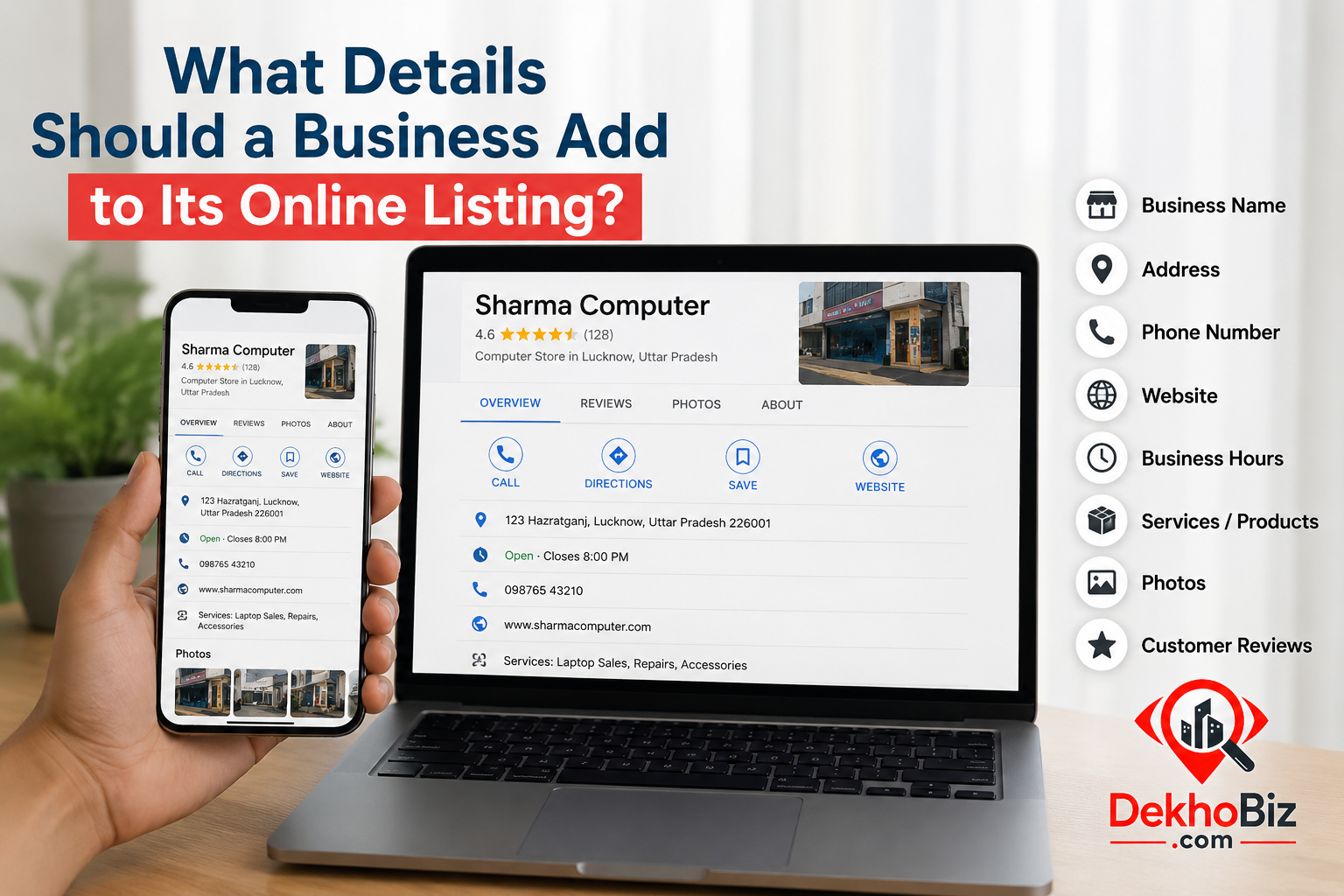
Business online listing details should include your business name, category, address, phone number, opening hours, services, photos, description, website link, social links, and customer-friendly information.
A complete online listing helps customers understand what your business offers, where you are located, when you are open, and how they can contact you. Clear details build trust and make it easier for local customers to call, visit, or send an enquiry.
Key Takeaways
- Add complete and accurate business details to your online listing.
- Keep your phone number, address, category, and working hours updated.
- Use real photos to make your business listing more trustworthy.
- Mention your main services, products, pricing information, and service area clearly.
- Use DekhoBiz to add your business online and improve local visibility.
Why Business Online Listing Details Matter
Business online listing details matter because customers often check information before they contact, visit, or book a service. If your listing is incomplete, customers may feel confused and choose another business with clearer information.
A complete online listing works like a digital profile for your business. It helps people know what you do, where you are located, what services you provide, and how they can reach you.
If you want your business to appear more trustworthy online, start by creating or improving your listing on DekhoBiz.
1. Add the Correct Business Name
Your business name is the first detail customers notice. Add the same name that you use on your shop board, bills, visiting card, website, and social media pages.
Using a consistent business name helps customers recognize your brand easily. Avoid adding too many extra keywords in the business name because it can look unnatural and confusing.
For example, instead of writing a long name with many services, use your actual business name and explain your services in the description section.
2. Choose the Right Business Category
The business category helps customers understand what your business does. It also helps users find your listing when they search for a specific type of service or shop.
Choose the most accurate category for your business. A restaurant should be listed as a restaurant or food business, a salon should be listed under beauty services, and a plumber should be listed under home repair or plumbing services.
If your business offers multiple services, choose the main category first and mention other services in the description.
3. Add Address and Service Area
Your address helps customers know where your business is located. Add a complete address with area name, landmark, city, state, and pin code wherever possible.
If your business provides home service or delivery, also mention your service area. This helps customers understand whether you serve their location.
- Shop or office address
- Area and nearby landmark
- City and state
- Pin code
- Service areas or delivery locations
4. Add Phone Number and Contact Options
A working phone number is one of the most important business online listing details. Customers should be able to contact you easily when they want to ask questions, book a service, or confirm availability.
Add a phone number that is active during business hours. If possible, also add WhatsApp, email, website, or enquiry options so customers can contact you in the way they prefer.
Wrong or inactive contact details can make you lose customers even if they are interested in your business.
5. Add Opening and Closing Hours
Business timing helps customers know when they can visit or call. Add accurate opening and closing hours for each day if your timing changes during the week.
If your business remains closed on a specific day, mention it clearly. Also update your listing during festivals, holidays, seasonal changes, or special working hours.
Correct timing reduces confusion and improves customer experience.
6. Add Products and Services Clearly
Your listing should clearly explain what your business offers. Mention your main products, services, packages, or specializations in simple language.
Customers should not have to guess what you do. A clear service list helps them decide whether your business matches their need.
- Main products or services
- Special services or popular offerings
- Service area or delivery availability
- Appointment or booking requirement
- Starting price or estimated price, if suitable
7. Write a Clear Business Description
A business description should explain what your business does, who it serves, and why customers should contact you. Keep the description simple, useful, and honest.
Avoid vague lines like “best service” or “top quality” without details. Instead, mention your experience, services, location, customer benefits, and what makes your business useful.
For example, a repair shop can mention the types of devices it repairs, while a coaching class can mention subjects, classes, batches, and teaching support.
8. Add Real Business Photos
Real photos make your listing more trustworthy. Customers feel more confident when they can see your shop, office, products, team, work samples, menu, service area, or completed work.
Use clear and original photos. Avoid using unrelated stock photos because they may reduce trust. Real photos help customers understand what to expect before visiting or contacting you.
Businesses like restaurants, salons, hotels, shops, clinics, coaching classes, caterers, and repair services can benefit a lot from good photos.
9. Add Pricing or Package Information
Pricing information helps customers decide faster. You do not always need to add exact prices, but you can mention starting prices, package details, consultation fees, service charges, or “contact for quote” where suitable.
Clear pricing reduces unnecessary calls and builds trust. If prices depend on the service type, location, or requirement, explain that clearly.
Customers appreciate businesses that are transparent about costs and avoid hidden charges.
10. Add Customer Reviews and Feedback
Customer reviews are important because they help new customers understand the real experience of other people. Reviews can build trust and improve the chances of receiving calls, visits, and enquiries.
Ask satisfied customers to share honest feedback about your service, product quality, pricing, staff behavior, delivery, or overall experience.
You can also learn from Google’s official guide on business reviews.
Quick Business Listing Checklist
| Listing Detail | Why It Matters | What to Add |
|---|---|---|
| Business Name | Helps customers recognize your brand | Correct and consistent business name |
| Category | Helps users find the right type of business | Main business category and related services |
| Address | Helps customers visit or locate you | Full address, area, landmark, and city |
| Contact Details | Helps customers call or enquire | Phone number, WhatsApp, email, or website |
| Photos | Builds trust and improves listing quality | Shop, office, products, team, or work photos |
| Description | Explains what your business offers | Services, benefits, experience, and location |
Common Mistakes to Avoid in Business Listings
Many businesses lose enquiries because their online listing is incomplete or outdated. Avoid these common mistakes when adding business online listing details:
- Using an incorrect or outdated phone number.
- Adding incomplete address details.
- Choosing the wrong business category.
- Not adding real business photos.
- Writing a very short or unclear description.
- Not mentioning services properly.
- Not updating working hours.
- Ignoring customer reviews.
- Not adding website or social links when available.
How DekhoBiz Helps Local Businesses
DekhoBiz helps local businesses improve online discovery by giving them a place to show business details, services, contact information, photos, and customer-friendly information.
If you want more people to find your business, you can add your business on DekhoBiz and keep your listing updated.
A complete DekhoBiz listing can help customers understand what your business offers, where you are located, and how they can contact you.
Final Thoughts
Business online listing details are important because they help customers trust, understand, and contact your business. A complete listing can improve visibility, reduce confusion, and increase enquiries.
Start with the basics: business name, category, address, phone number, opening hours, services, photos, description, reviews, and useful links.
Use DekhoBiz to create a clear business listing and make your local business easier to discover online.
Frequently Asked Questions
You can choose business online listing details by checking reviews, business details, pricing, location, service quality, and customer feedback. Compare multiple options before booking, visiting, or making payment.
Reviews show real customer experiences. They help you understand service quality, pricing, behavior, reliability, and common problems before choosing a local business.
No. The cheapest option is not always the best. Compare price with quality, trust, support, experience, and included services before making a decision.
Check the business name, address, phone number, working hours, photos, services, reviews, and pricing information. Complete details make the business easier to trust.
DekhoBiz helps customers discover local businesses, shops, and services in one place. It makes comparison easier and helps users make better local decisions.

Shrikant
DekhoBiz publishes practical local business guides, directory updates, and visibility tips for Indian businesses.